
Take DuitNow QR payments at the chair
The problem
Clients want to pay by DuitNow QR, but the QR standee sits at the counter. The stylist walks the client over, the client scans, and someone has to remember which chair and which stylist that payment was for.
How NexStyle handles it
Upload your DuitNow QR once in the admin and NexStyle sends it to your mirror tablets. At the end of a service the stylist chooses QR pay, the tablet shows your QR with the amount, and the client scans it at the chair.
The money goes straight to your own DuitNow account. NexStyle does not see or check the transfer: the stylist confirms on the tablet once the client shows the payment went through, and the sale is saved as QR pay under that stylist.
Step by step
Step 1: Save your QR as an image
Download your DuitNow QR as an image from your bank or e-wallet merchant account.
Step 2: Upload it once for the whole salon
In the admin, open Salon settings. Turn on the switch that uses one QR code for all branches, upload the QR image, then save your changes.
Each branch banks separately? Leave that switch off and add the QR image to each branch in Branches instead.
Step 3: Let the tablets update
Tablets pick this up within 5 minutes. Tap the sync button at the top right of a tablet to update it straight away.
Step 4: Show the QR at the chair
When the service is done, the stylist finishes it and chooses QR pay. The tablet shows your QR and the amount, and the client scans it with their banking app.
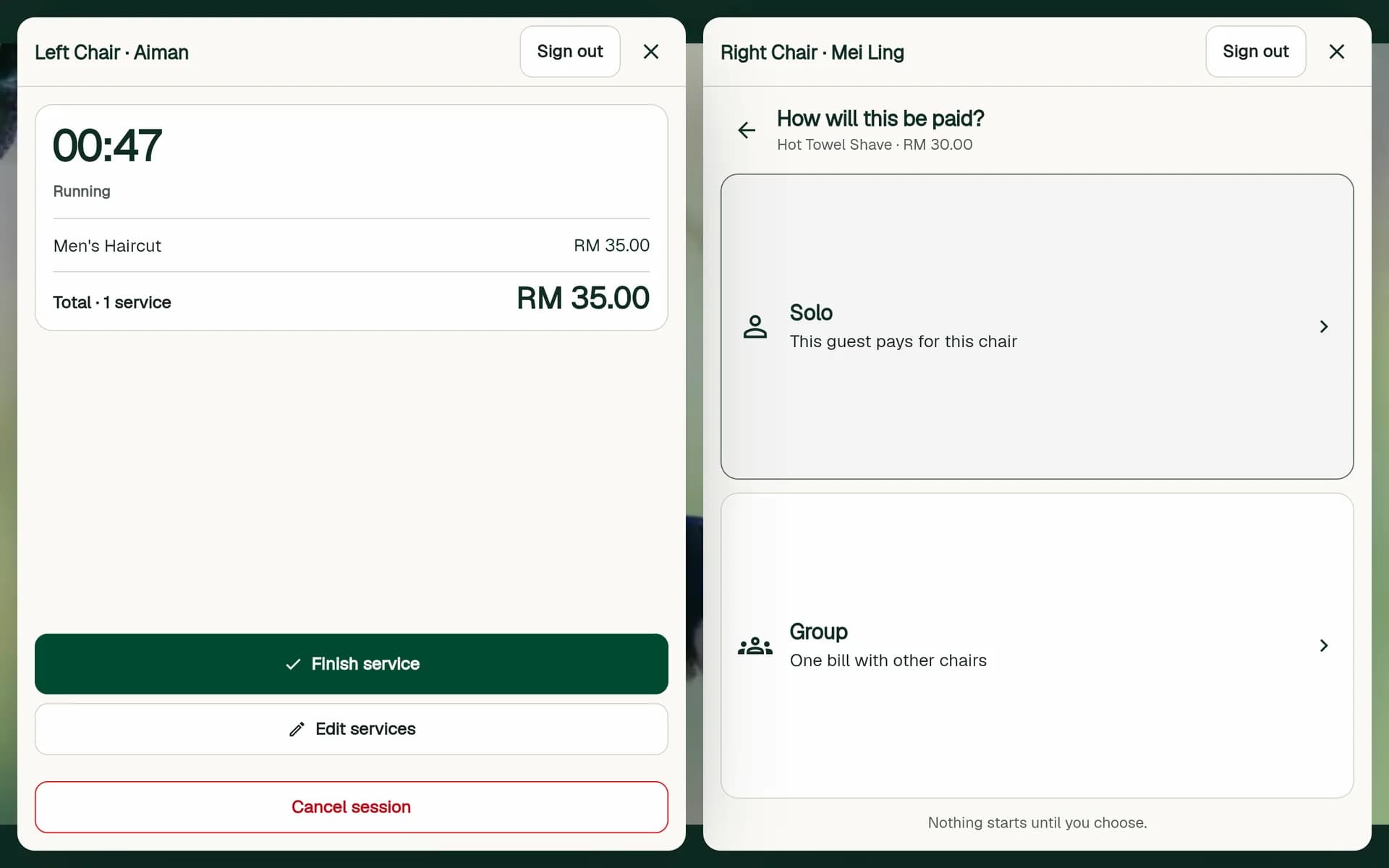
The payment choice at the end of a service, on the right chair: Cash or QR pay. Step 5: Confirm once the client has paid
Check the payment confirmation on the client's phone, then confirm on the tablet. The sale is saved as QR pay, with the stylist and the chair.
Step 6: See QR pay in the admin
On the Dashboard, the day's revenue is split into Cash and QR pay, so you can match QR pay against your bank statement.
If the salon Wi-Fi drops, the QR still shows: the tablet keeps a copy of the image. Sales made offline are sent when the connection is back.
Rather not check each payment by eye? With your own HitPay account, the tablet can take DuitNow QR payments that confirm themselves.