
Split one mirror between two stylists
The problem
Two chairs share one mirror and one tablet. If the tablet runs a single login, the second stylist waits for the first to finish.
Or they ring up their client under someone else's name, and the day's sales per stylist stop meaning anything.
How NexStyle handles it
A station that takes sales, set to Two stylists side by side, gives each chair its own button on the mirror. Each stylist signs in on their side with their own 6-digit PIN and runs their own service, timer and payment. Both chairs can have a service running at the same time, and each sale is saved under the stylist signed in on that side.
Step by step
Step 1: Give each stylist a 6-digit PIN
In the admin, open Staff, add both stylists and give each one a 6-digit PIN. The PIN is how the tablet knows who is working on which side.
Step 2: Set the station to two chairs
In Stations, add a station that Takes sales and choose Two stylists side by side, or change an existing station to two stylists. Name the chairs the way your team says them, for example "Left chair" and "Right chair".
Tablets pick this up within 5 minutes. Tap the sync button at the top right of the tablet to update it straight away.
Step 3: Sign in on a side
The stylist taps their chair button in the bottom corner of the mirror, then enters their 6-digit PIN on the keypad. The other chair keeps its own button, so the second stylist can sign in at any time.
Step 4: Run the service
Tap a service to start. The time since the start shows on the stylist's panel and on their chair button. Add services during the session if the client asks for more.
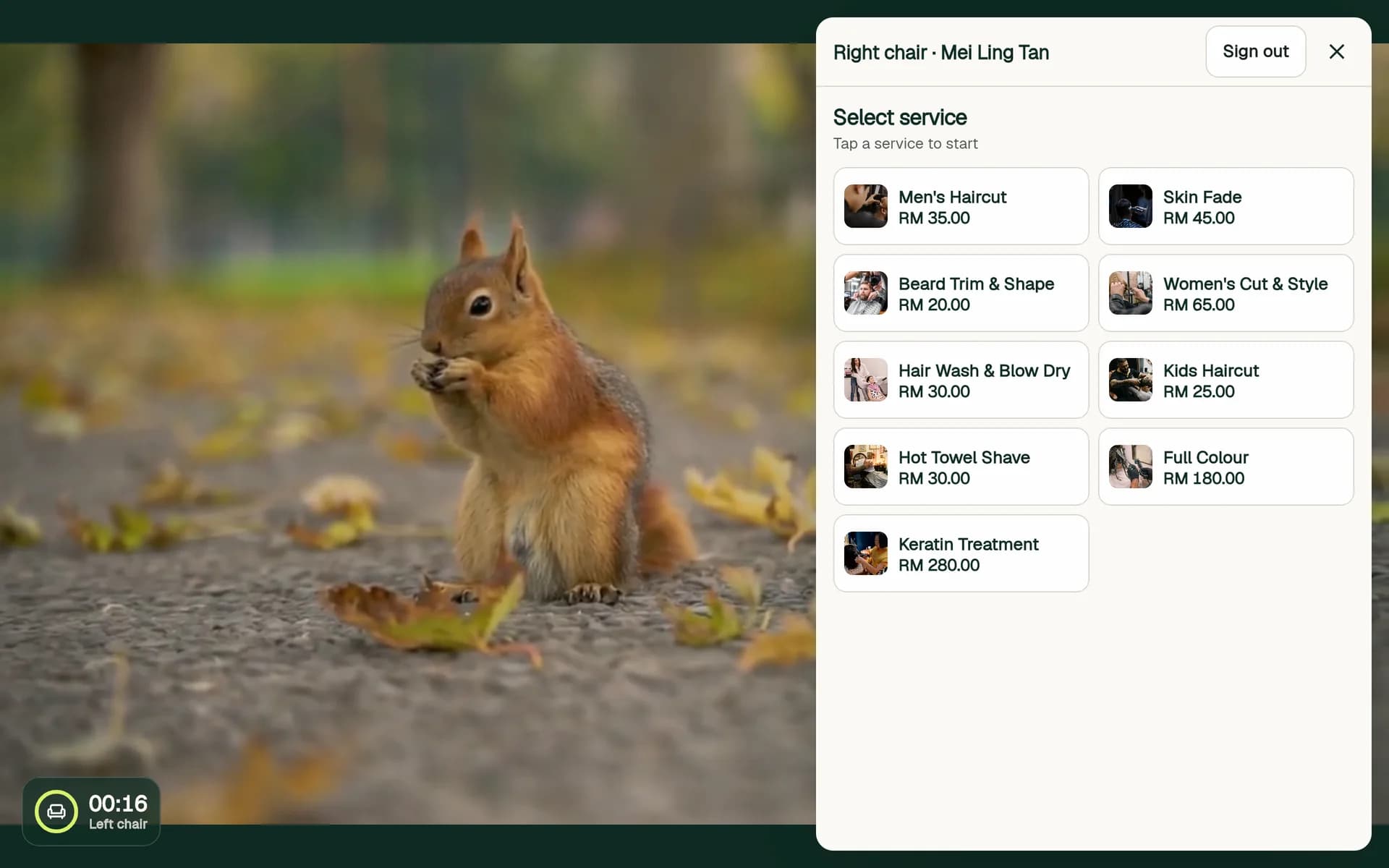
Both chairs on one mirror: a service running on the left while the right chair picks a service. Step 5: Take payment on that side
When the work is done, the stylist finishes the service and chooses Cash or QR pay. The sale is saved under the stylist signed in on that side, with the chair name.
A service in progress survives an app restart, but stylists need to sign in again after the app restarts.